Viaduct is a Claude Code plugin that designs printed circuit boards. Say what the board should do; it picks real parts, draws the schematic, places and routes the board in KiCad, checks it, and hands you Gerbers, a BOM and a pick-and-place file.
Claude CodeKiCad 9macOS and WindowsJLCPCB or any fab house
claude · ~/projects/sensor
> /viaduct:design a USB-C powered ESP32-C3 board with an RGB
status LED, reset and boot buttons, and a 4-pin sensor header
Asked: size, power, connectors, build method, noise Parts: ESP32-C3-WROOM-02, AMS1117-3.3, USBLC6, WS2812B, MCP6002layers 2 (auto: only 7 of the 30 most similar real boards use 4+)
build 56 x 41 mm, 2 layers (7s)
route complete, 7 vias (11s)
checks ERC ok, DRC ok, noise 13 pass / 0 fail
READY TO ORDER: ESP32-C3 sensor node
fab/ gerbers.zip bom.csv positions.csv
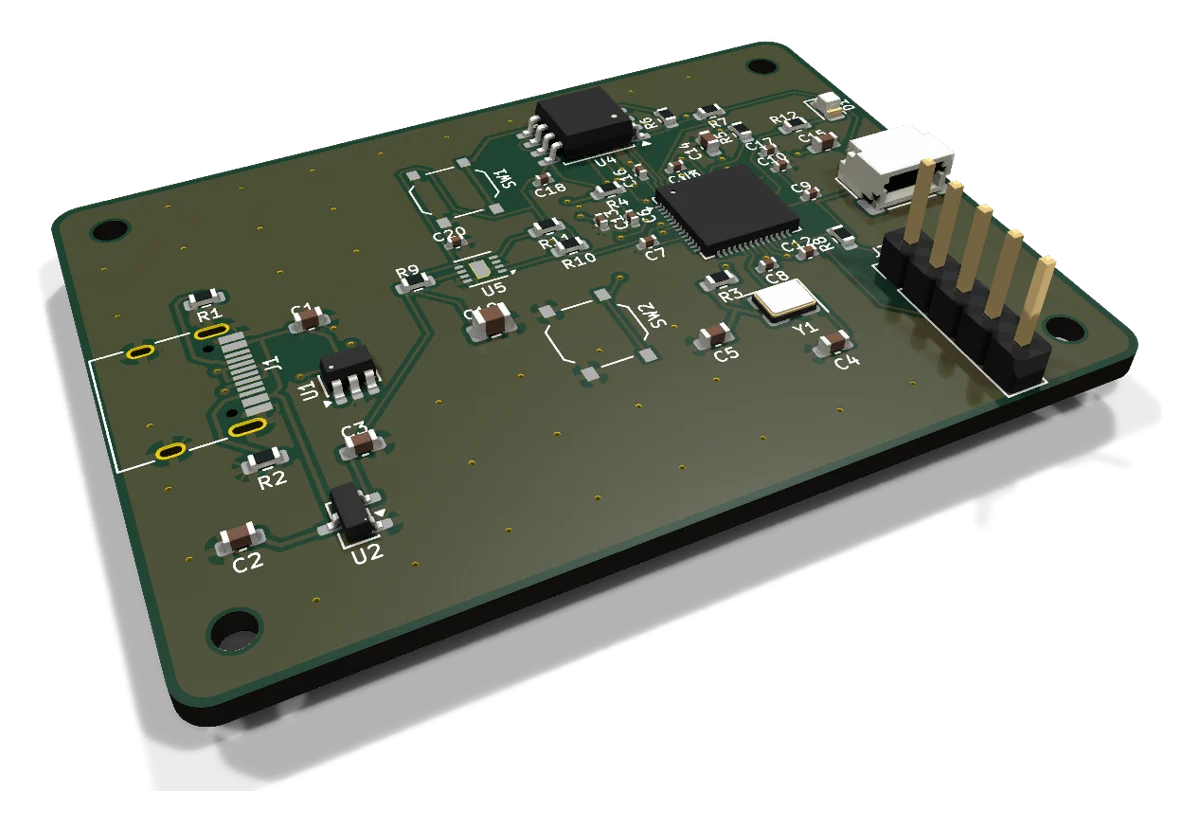
RP2040 climate logger · 44 parts · routed by Viaduct
Watch it work
One sentence to a board, in 35 seconds
Real KiCad output from the plugin's test boards. Sound on for the voiceover.
Examples
Boards it designed, start to finish
Each one came from a written description. Times are the total from description to manufacturing files, from the latest test run.
RP2040 climate logger
USB-C, flash, crystal, sensor, 44 parts
Ready57 × 41 mm · 2L 5 min 46 s
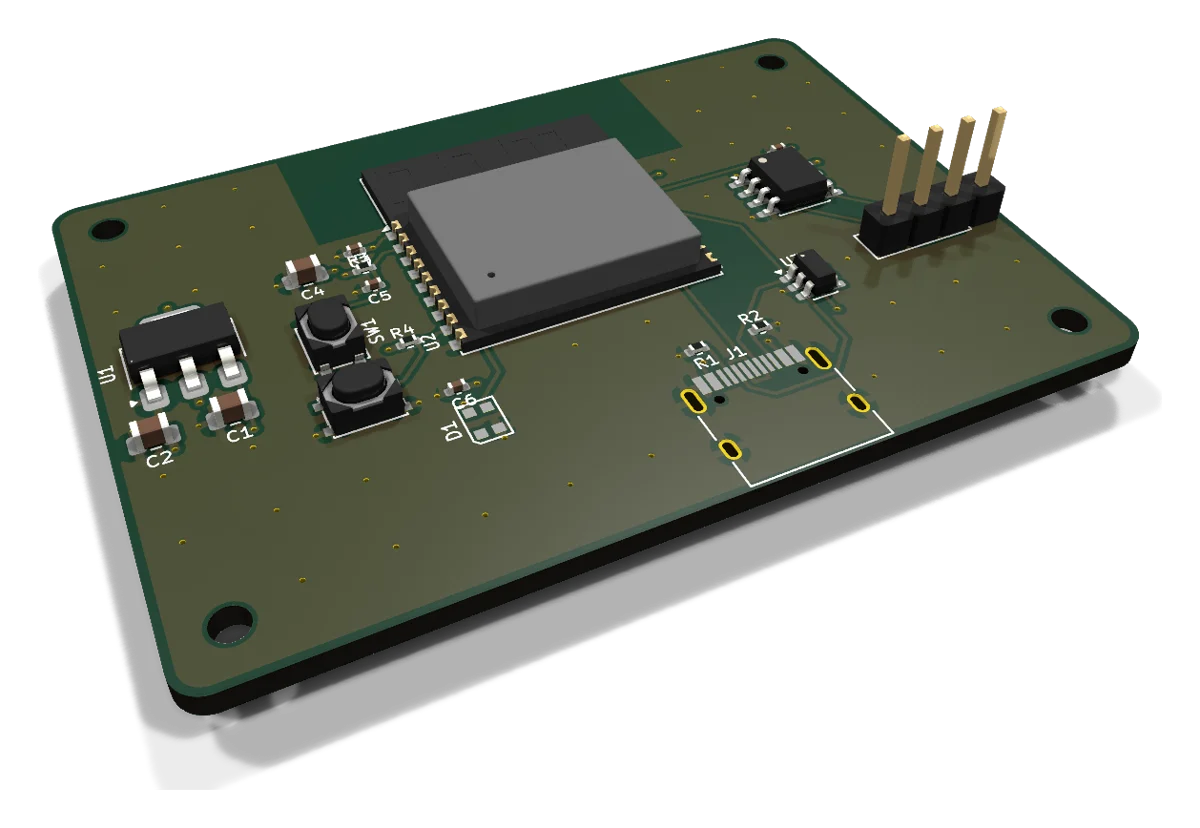
ESP32-C3 sensor, 4 layers
Inner ground and 3.3 V planes
Ready60 × 42 mm · 4L 21 s
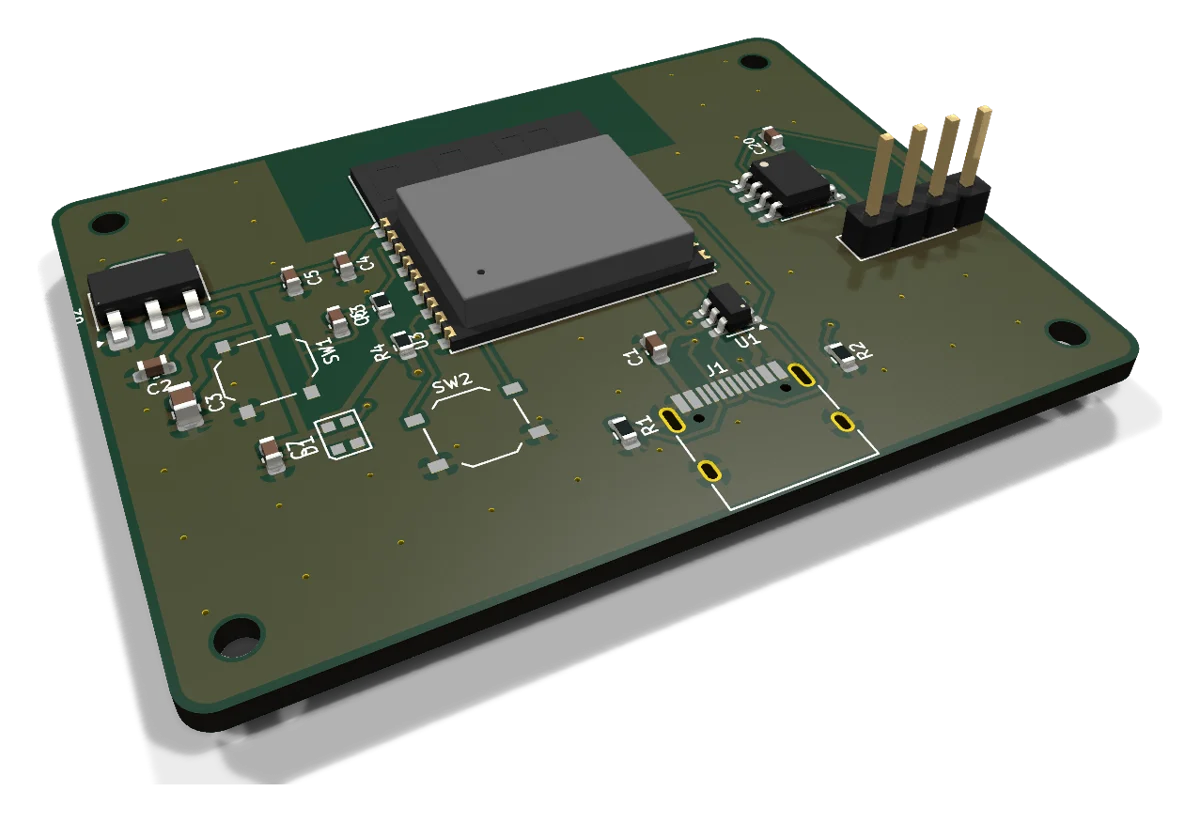
ESP32-C3 from building blocks
USB-C data, LDO, Wi-Fi module, LED
Ready58 × 43 mm · 2L 21 s
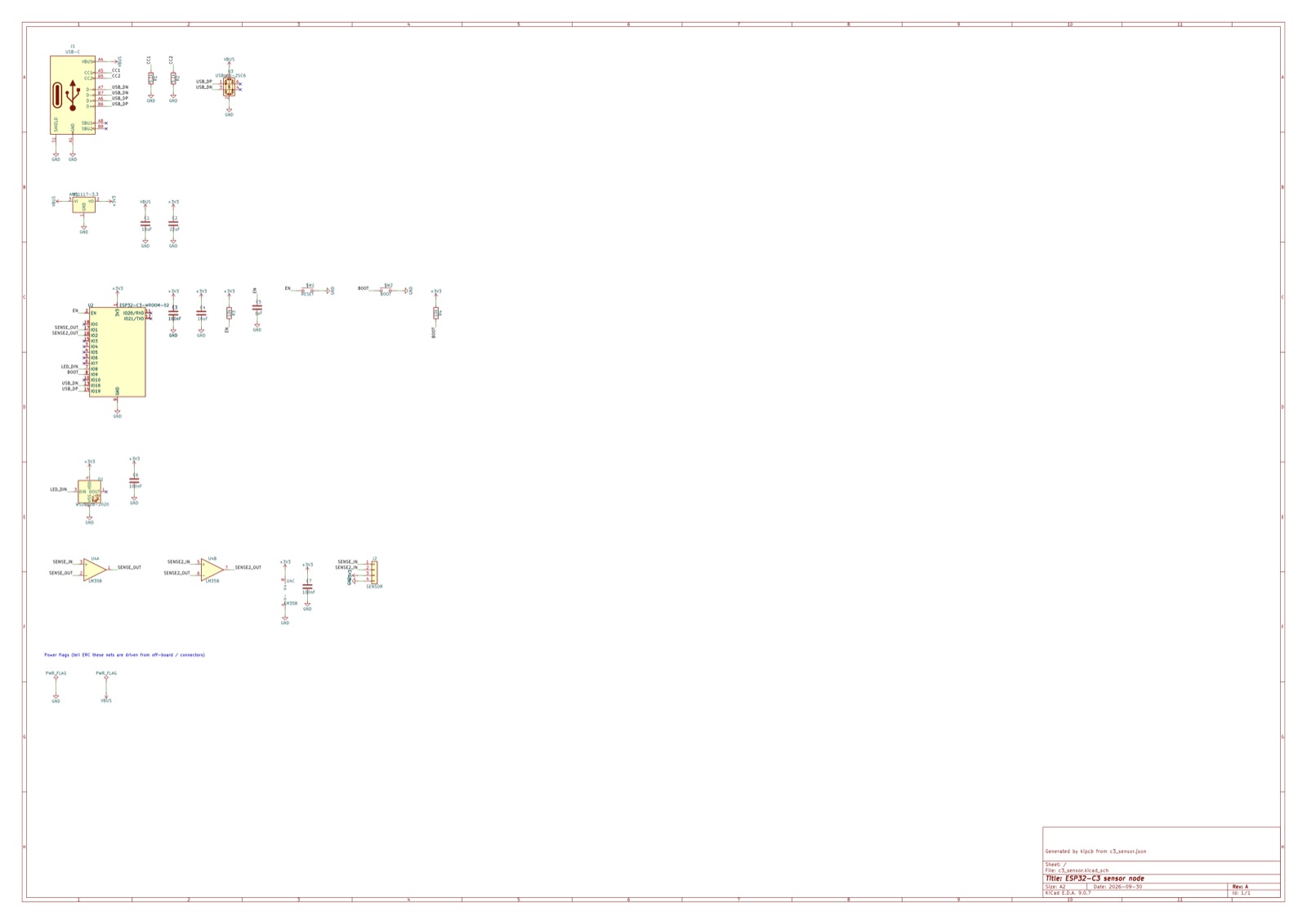
The schematic it drew
Grouped by function, labelled nets, editable in KiCad
ERC clean.kicad_sch
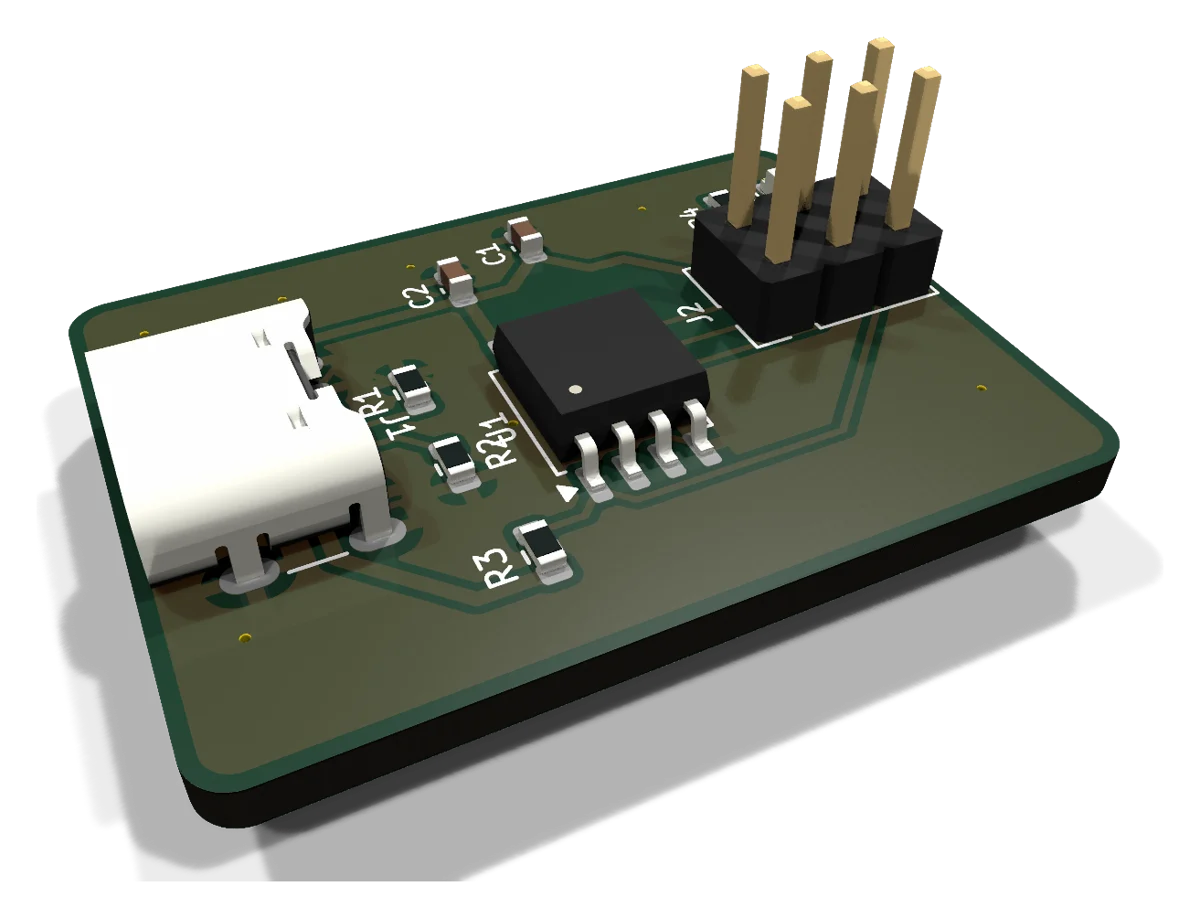
USB-C ATtiny85 blinker
The smallest example, 10 parts
Ready30 × 22 mm · 2L 17 s
How it works
The steps a PCB designer takes, in order
Every step leaves a normal KiCad 9 project you can open and change. Claude asks when a choice changes the design and says up front what will be automatic.
 Viaduct